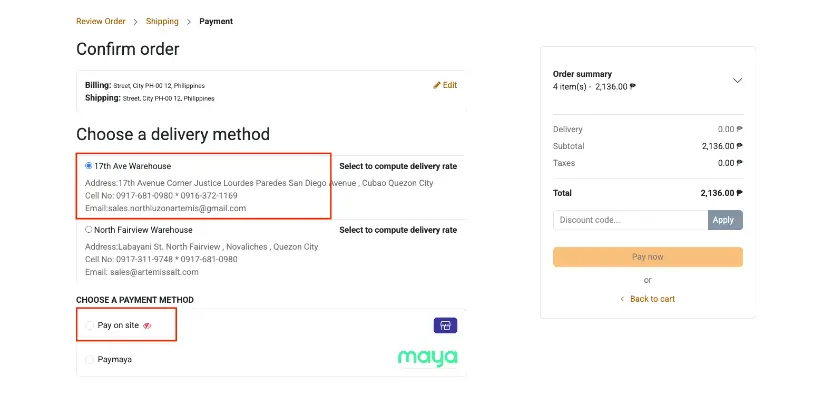
To avail of the On-Site Payments & Picking, you will need to enable the On-Site Payments & Picking from the configuration settings of the website module.
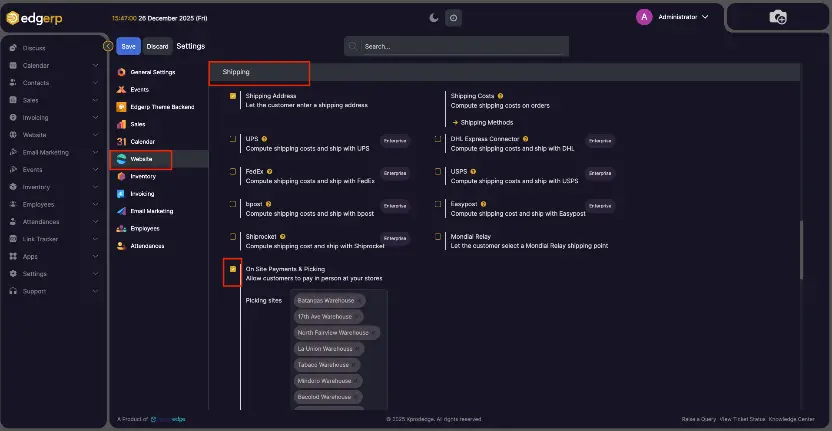
You can see the On-site payment & picking under shipping in the website settings.
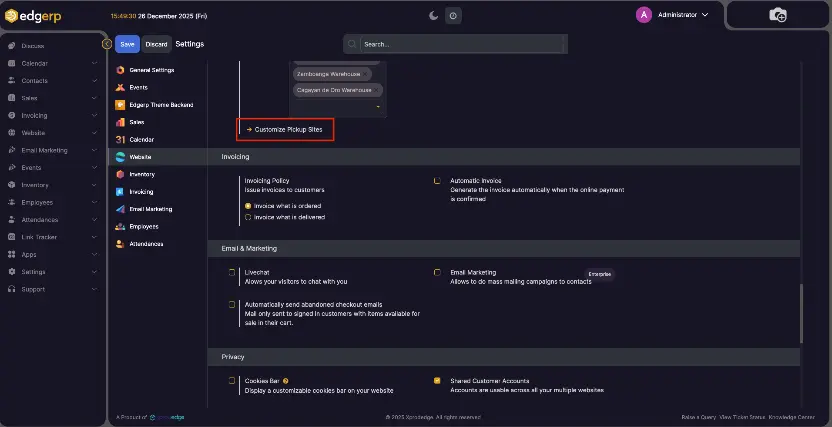
By enabling the On-site payment and picking, you can see the button Customize Pickup Stores for configuring payment methods when picking up products from the store.
Click on New button
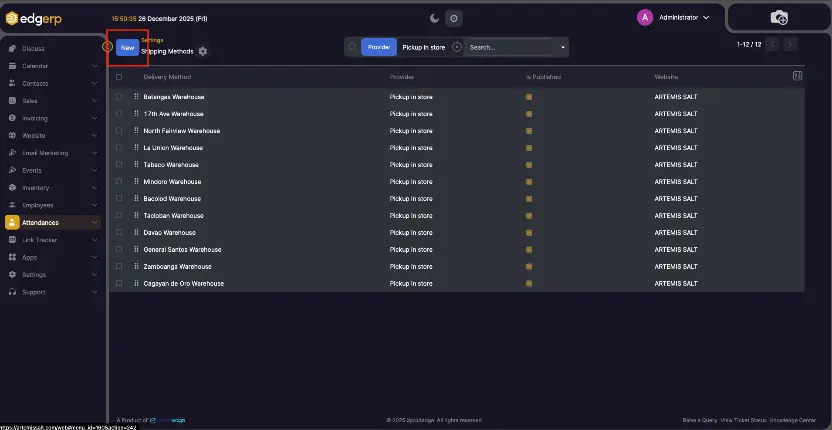
Give it a name and select Pickup In Store in provider.
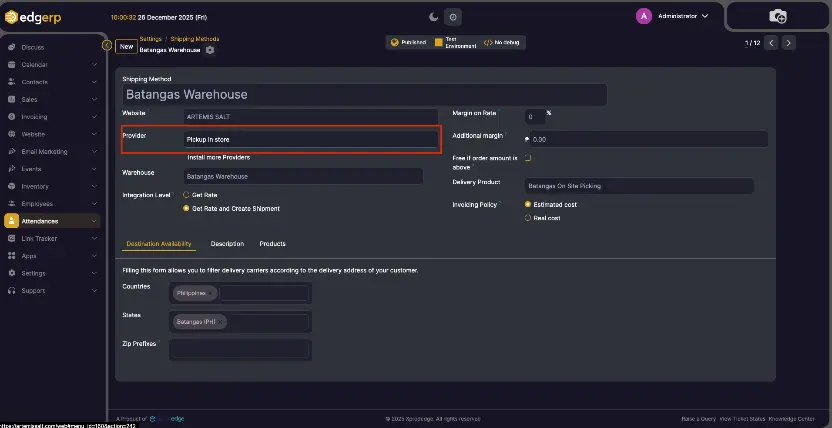
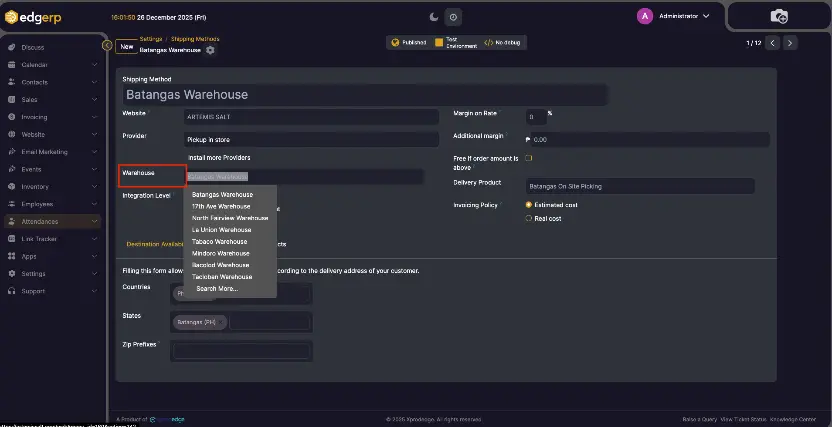
Select dedicated Warehouse
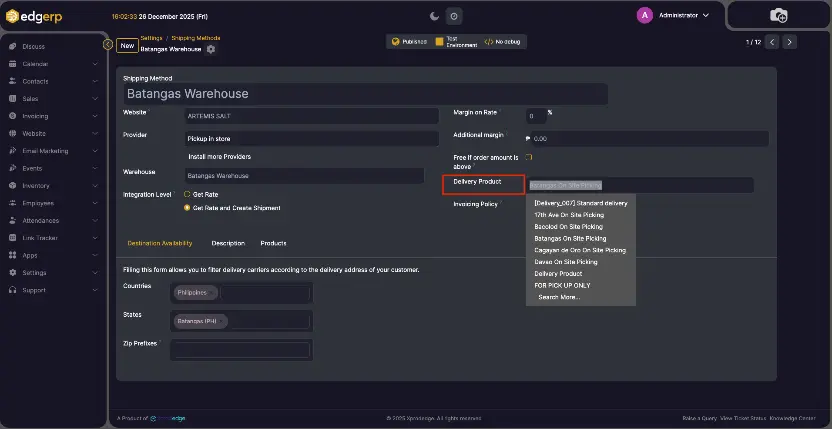
Select Delivery Product
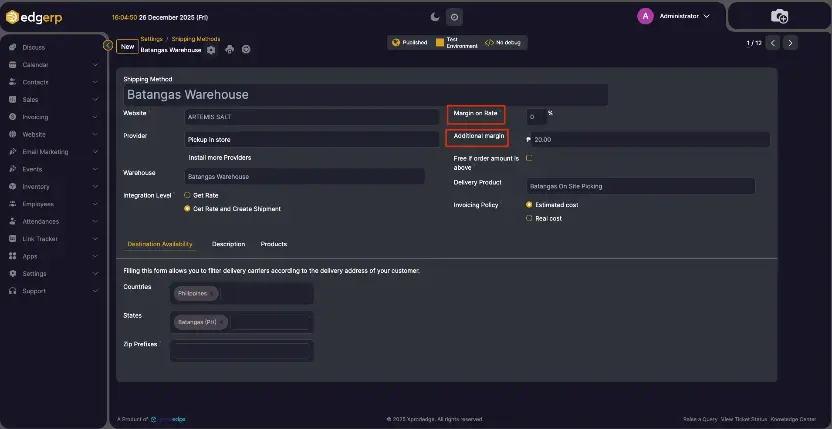
By setting the percentage of the Margin on Rate, a margin will be added to the shipping price to get a margin from this shipping method.
Or you can set Additional Margin for fixed price.
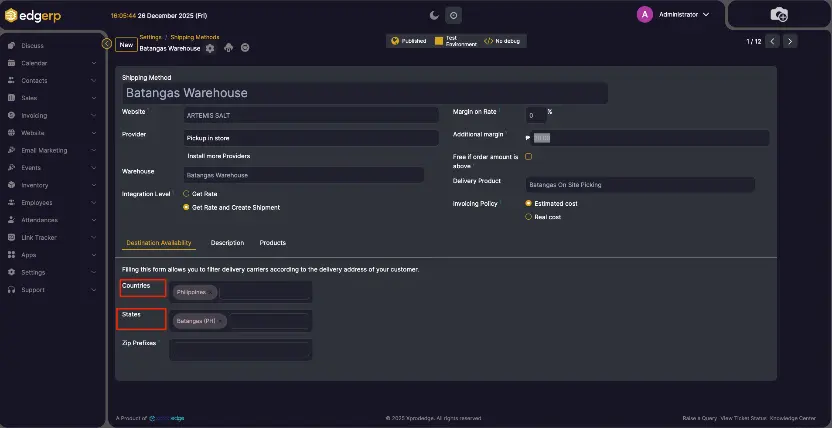
By filling out the Destination Availability tab, you can filter delivery carriers according to the delivery address of your customer
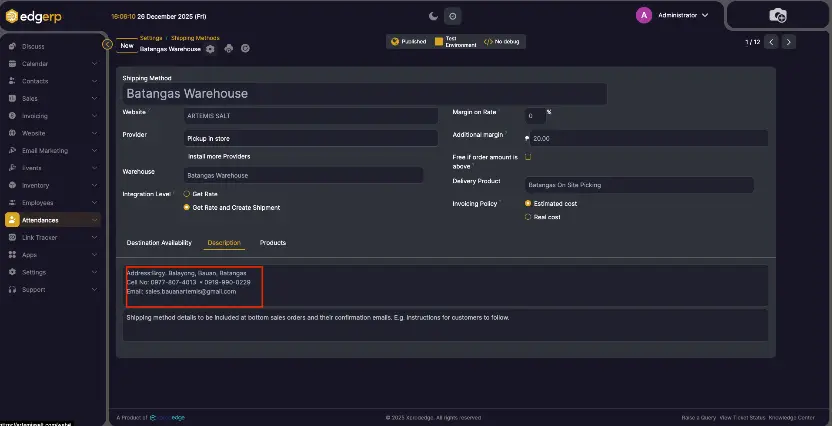
And in the Description, you can provide the instructions and other details that are to be shown in eCommerece.
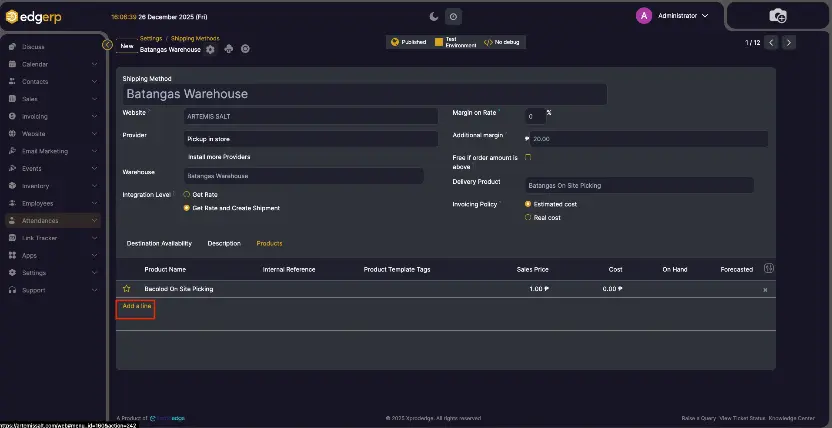
Use Add a line in the Products tab to enable this method for selected products or leave it empty for all.
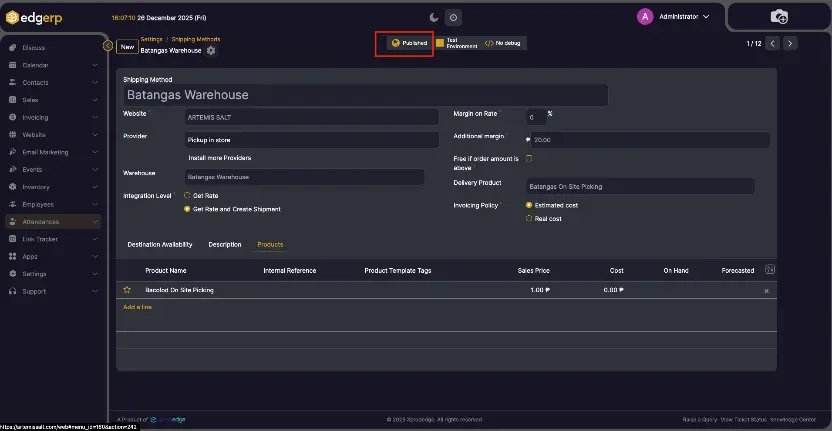
Publish the method to make it available on site.
After setting up, go to the shop page to purchase the product. Choose the available warehouse and select the Pay on site option while checking out the product.